Gardens
Gardening and landscape design ideas to help you make the most of your outdoor living space.
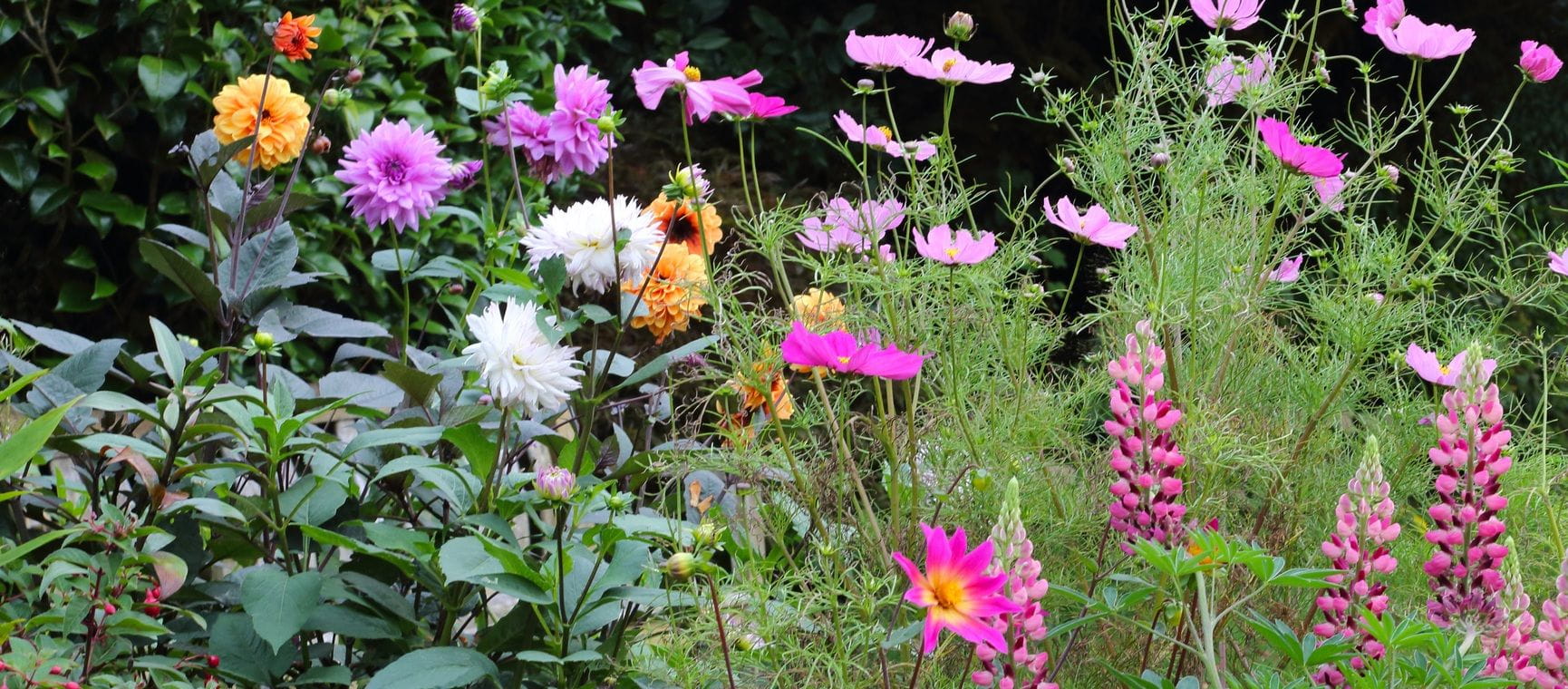
Jobs to do in the garden in September
This is the perfect month to plan and plant for colour in the garden.
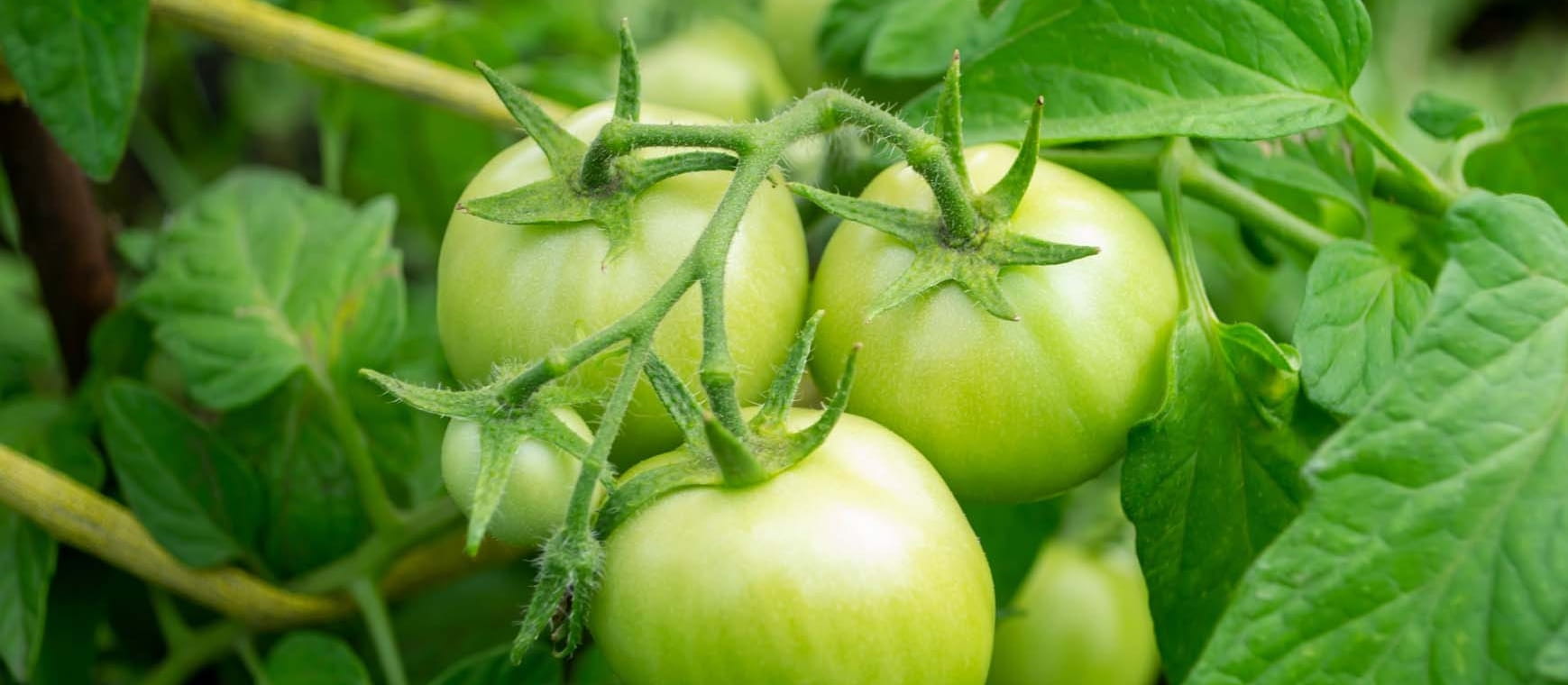

Keep dahlias flowering longer with these 10 genius tips
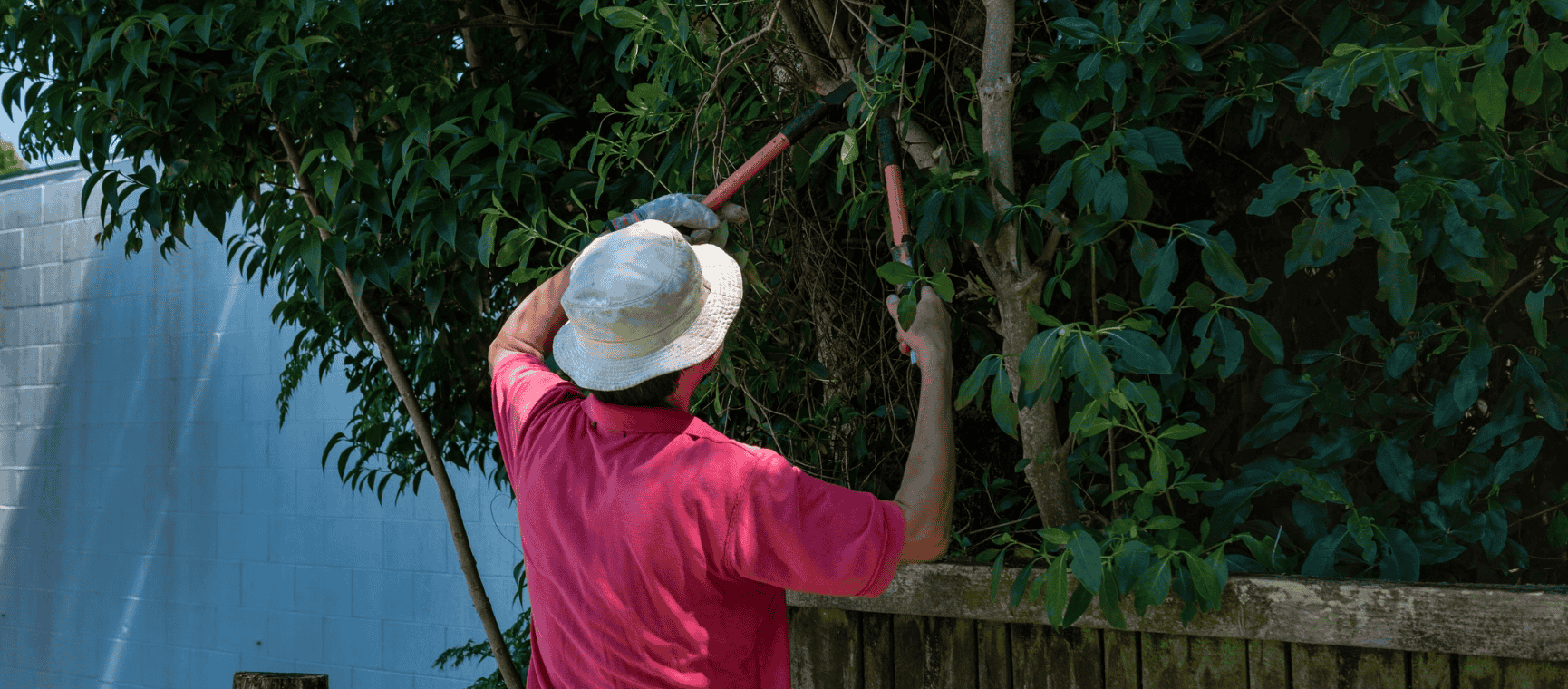
12 ways you could be breaking the law in your garden
Expert advice on how to avoid neighbour disputes, fines or even prosecutions.
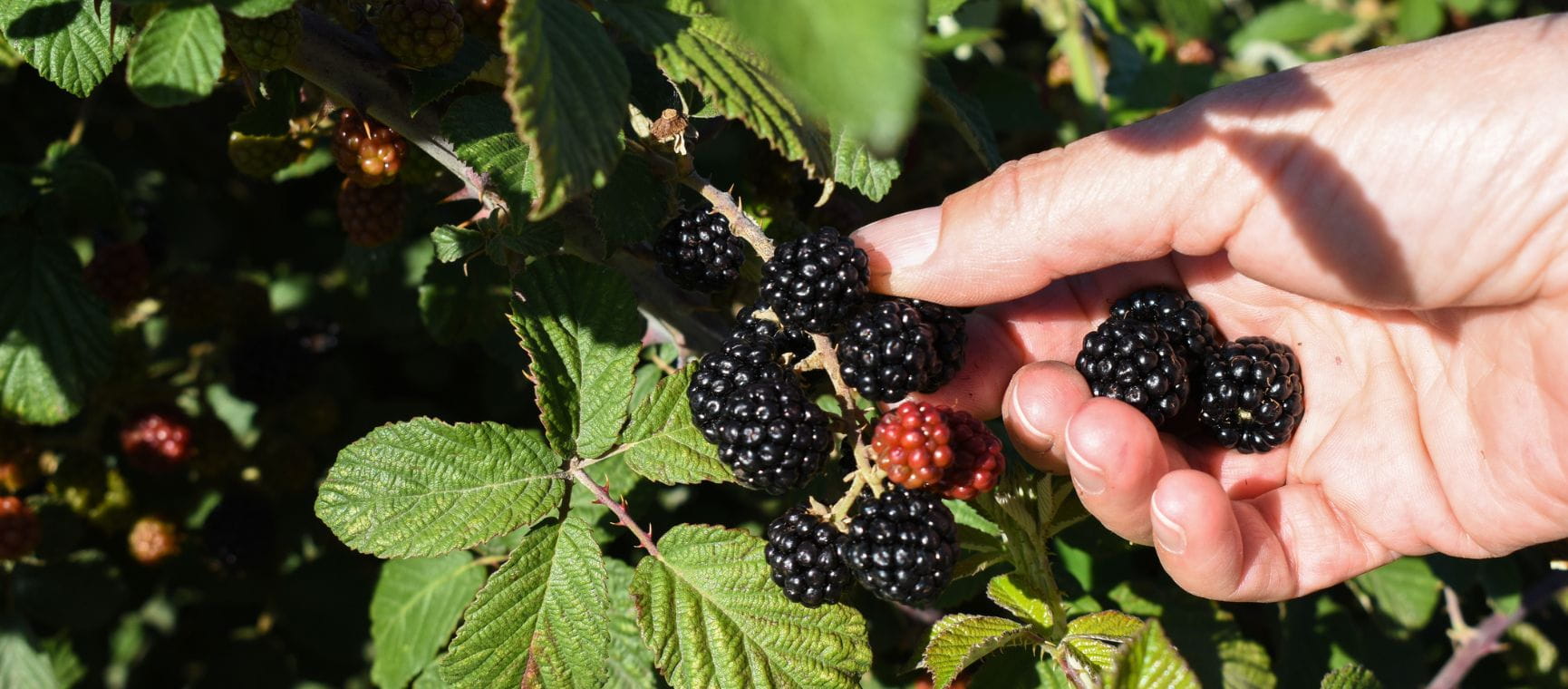
How to pick the sweetest blackberries – and why they’re better for you than blueberries
Tips on foraging the sweetest, juiciest blackberries, how to grow your own and their surprising health benefits.

How to keep slugs out of the garden
We’ve got 11 ways to prevent your plants being eaten by slugs.

Bring colour to your garden with drought-resistant prairie plants
Late-blooming plants native to the American plains can bring vivid reds and yellows to even the driest of British gardens.

Win tickets to the BBC Gardeners’ World Autumn Fair
We've got 20 tickets to give away to one of the year’s gardening highlights.
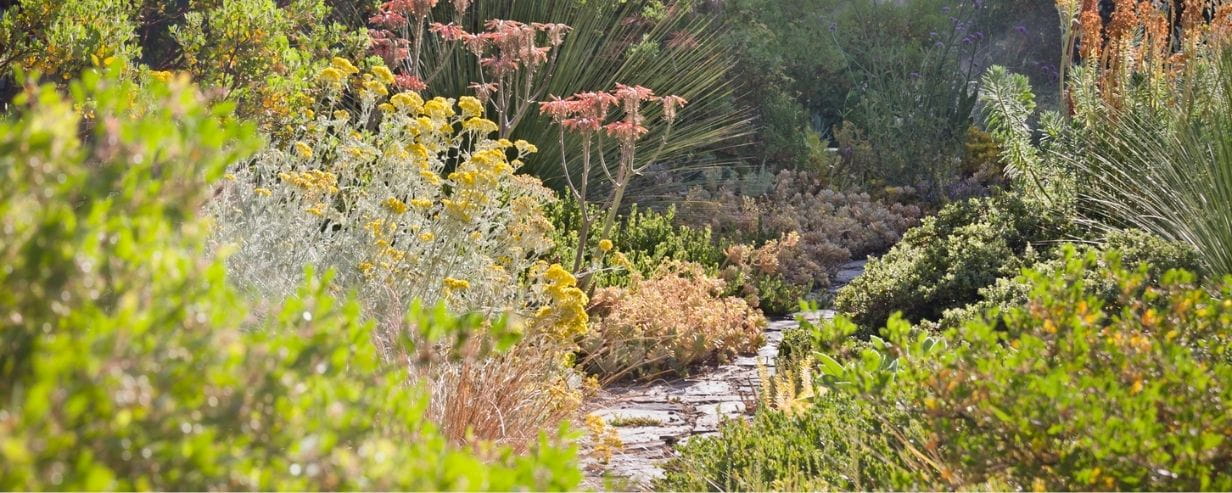
How to drought-proof your garden for hotter summers
Gardening experts share the practical ways to help your plants survive heatwaves and hosepipe bans.
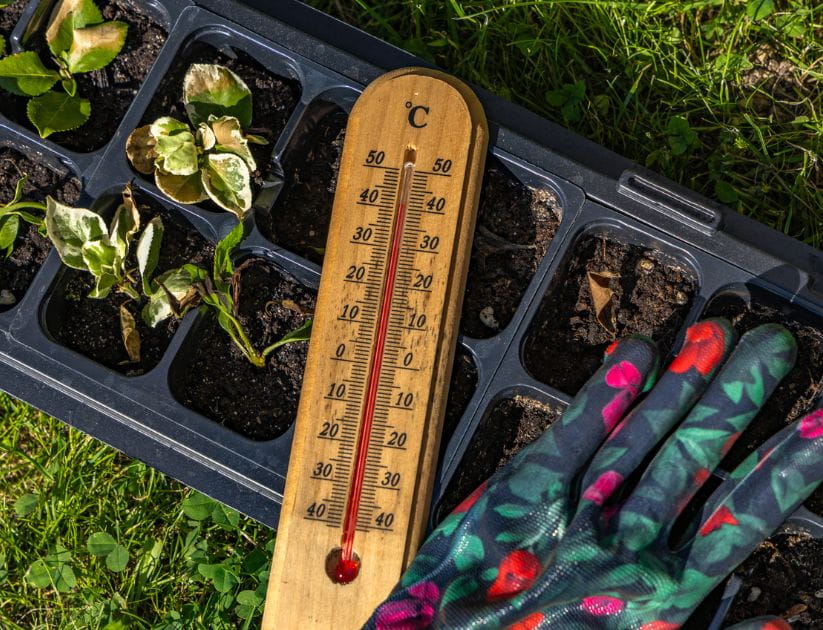
How to help your garden survive a heatwave
Experts share practical ways to protect your garden during drought and hot weather.
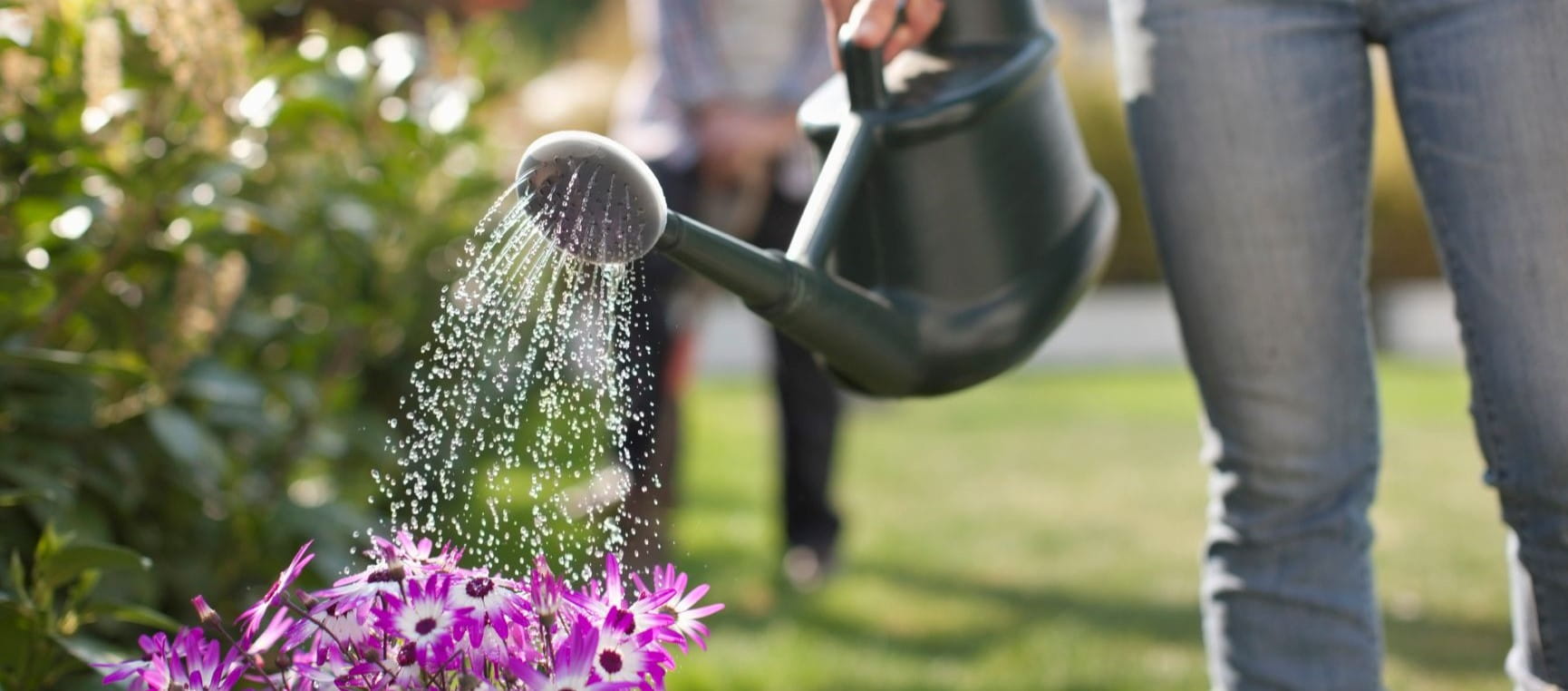
Easy ways to save water in the garden
15 water-saving tips will help you conserve water in the garden and help keep your plants looking their best.
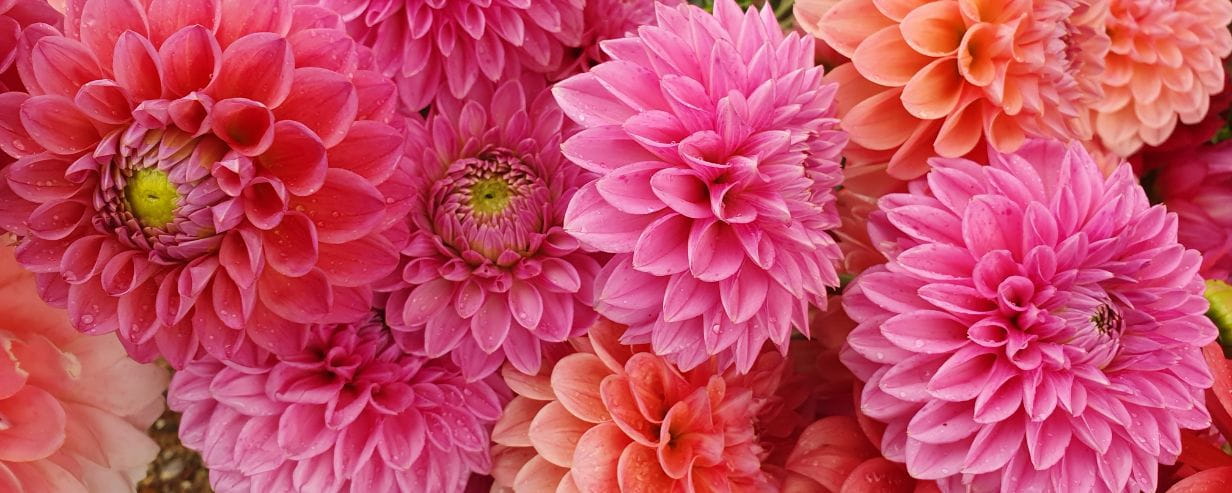
19 beautiful pick-your-own dahlia farms to visit this summer
These flower farms offer spectacular dahlias, expert advice and armfuls of blooms to take home.
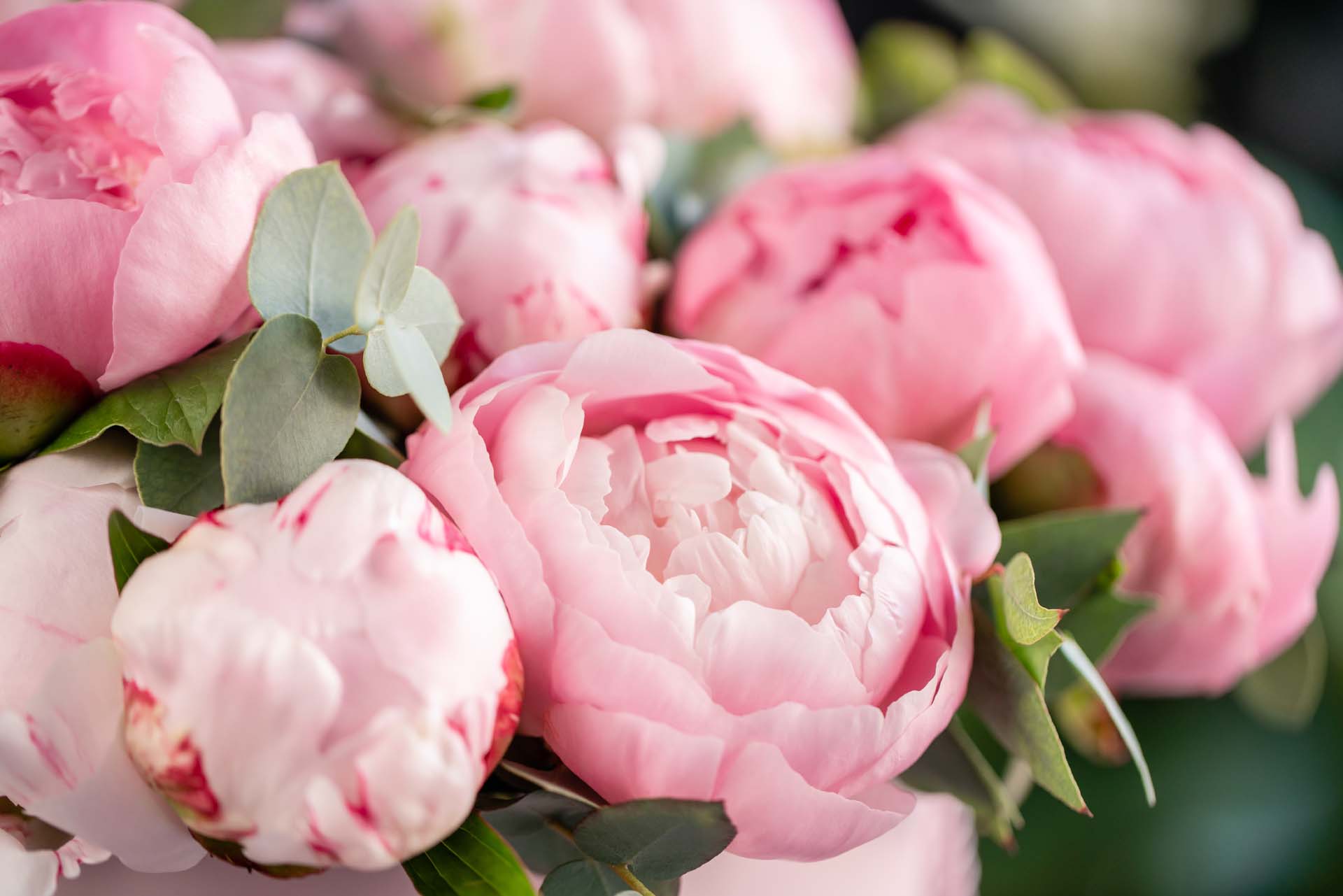
Do you need to prune peonies?
From over-pruning to cutting too early, experts say you could be getting it wrong.
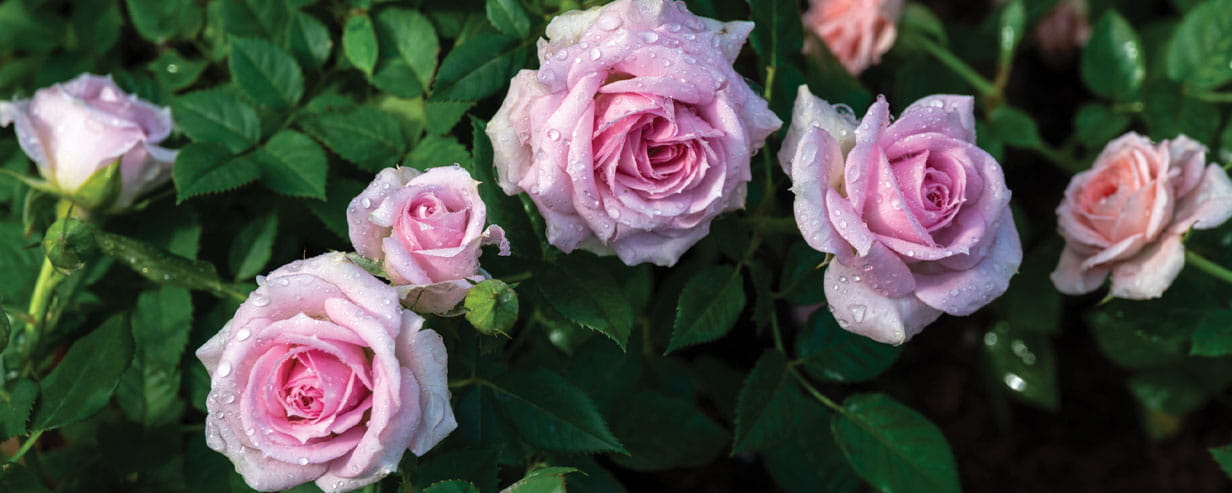
Why roses are easier to grow than you think
Experts say roses are one of the toughest and simplest plants to grow in our gardens.

This year, Saga is celebrating an incredible 75 years – and we’d love you to be part of the celebrations. For a limited time only, you can subscribe to Saga Magazine for just 75p an issue.
Receive the next 6 print editions delivered direct to your door, plus 6 months’ unlimited access to the Saga Magazine app – perfect for reading on the go.
Play our free daily puzzles
Beat the boredom and exercise your mind with our selection of free puzzles.