How to listen to a podcast
New to podcasts? Here’s our straightforward guide to finding them, playing them and enjoying them. No technical know-how required.
New to podcasts? Here’s our straightforward guide to finding them, playing them and enjoying them. No technical know-how required.
If podcasts have always seemed a bit mysterious, you're certainly not alone in that feeling, but here's the secret: they're basically just radio shows you can listen to whenever you like.
As someone who’s worked behind the scenes on several shows, and even created my own podcast, All Change Now, back in lockdown, I can promise you this, podcasts look far more complicated from the outside than they actually are. Once you know the basics, they’re incredibly easy to use.
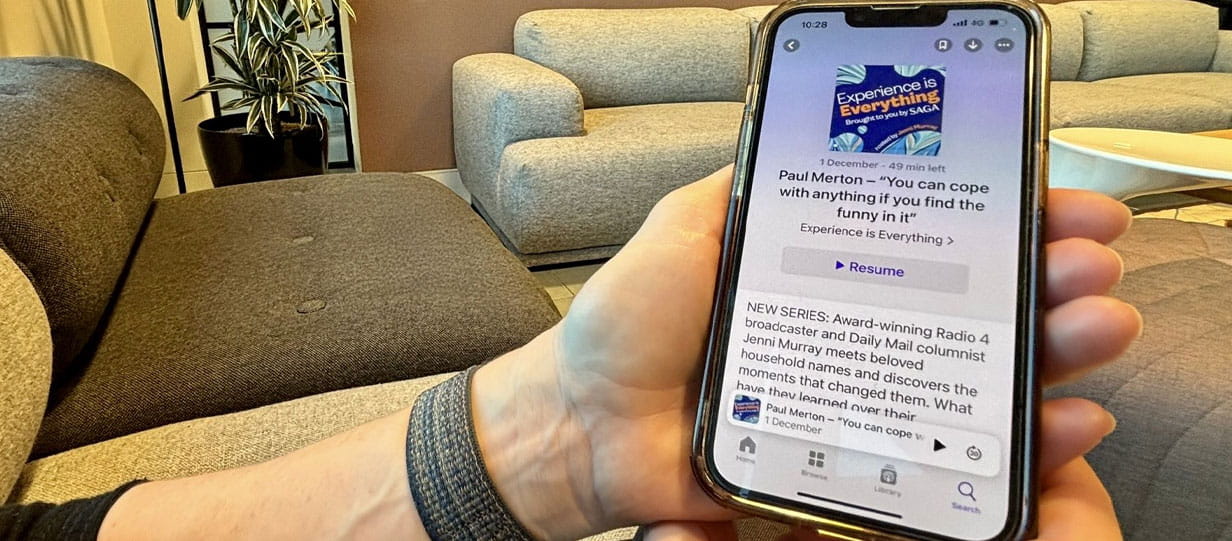
And now’s the perfect moment to give them a go, because Saga has launched a brand-new podcast, Experience Is Everything. The opening episode sees Saga Magazine columnist Jenni Murray in conversation with Paul Merton, and it’s a warm, funny, thoughtful listen.
Think of a podcast as radio you control. You choose what to listen to, when to listen and whether you’re doing it while washing up, walking the dog or settling into your favourite chair.
Podcasts come in episodes and they’re usually completely free. You can pause, rewind, or save an episode to finish later. No schedules. No faff. Here’s how to tune in, your way.
Most people listen on their phones because it’s quick and doesn’t require any extra gadgets.
Good news, your phone comes with a ready-made app called Apple Podcasts (purple icon).
You can also choose Follow to automatically receive new episodes.
Android phones don’t come with one default podcast app, but you can use popular free ones like Spotify or Amazon Music. You can also use these on your iPhone if you already have accounts with them.

This is a great option if you prefer a bigger screen or don’t want to deal with apps. No account is needed, so it’s a simple click and listen.
You may already use your smart speaker to set timers, play music or tell you if it’s coat weather, but it can also play podcasts. It’s ideal for hands-free listening while you cook, clean or enjoy a quiet moment with a cup of tea.
If you have an Amazon Alexa
Just say: “Alexa, play the podcast [name of podcast].”
If she asks which app to use, try: “From Apple Podcasts” or “From Spotify.” If she mishears you (and they do love to go rogue), simply repeat it a little slower.
If you have a Google Home device
Say: “Hey Google, play the podcast [name of podcast].”
Google will usually play it through your default app, but if you want to be specific, you can say: “…on Spotify” or “…on Google Podcasts.”
If Google starts playing something completely different, try: “Hey Google, stop.” Then repeat your request again, more clearly.

Once you’re comfortable pressing play, here are a few expert tweaks I’ve picked up over the years that can make your listening experience even better:

You won’t break anything. Worst case, you might have to close the app and reopen it.
No, podcasts are free, however, some do contain sponsorship so you may have to listen to adverts.
Usually, no. You can listen without signing in. Creating an account just helps you follow shows and save episodes, but it’s optional.
Many podcasts include short adverts or sponsored segments. They only last a few seconds, so you can keep listening or skip ahead if the app allows it.
On iPhones, look for Podcasts. On Android, download Spotify or Amazon Music.
Check you have the volume on your device turned up.
Check your Wi-Fi is working. You could also try just using your mobile data. And if all else fails, restart the app and try again.
Your internet connection may be dropping out. Try downloading the episode first, then listening offline – it often solves the problem.
You might have accidentally changed the playback speed. Look for the little 1x button and tap it until the sound goes back to normal.
Some podcasts are exclusive to certain apps. If you can’t find it on one platform, try another, for example Spotify, Apple Podcasts or YouTube.
Your app’s Auto-play might be switched on. You can turn it off in the settings if you prefer to listen to one episode at a time.
Look for the small circular arrow with -15 or -30. It lets you rewind just a little for when you miss something.
Now that you know exactly how to listen, whether it’s on your phone, your computer, in the car or with a little help from your smart speaker, you’re ready to explore podcasts at your own pace. There are thousands of brilliant shows out there, so start with something you’re curious about, try a few formats and see what suits you.
And when you are ready to dip into your first episode, don’t forget Saga Magazine’s own podcast, Experience Is Everything, a series celebrating the stories and perspectives that come with life experience.
(Hero image credit: Getty)



Your chance to win cruise for two to Cádiz, Casablanca and the Canary Islands, worth more than £9,600.

Whether you're looking for straightforward insurance or cover that's packed with extras, our home insurance has plenty of options for people over 50.

Ingenious speakers, brilliant earbuds, nifty note takers - our expert picks his top tech gifts.

Electric models are set to dominate the market next year, including a flood of budget Chinese brands.

How breaking my phone ruined one of the best nights of my life – and the expert lessons that will help you avoid my mistakes.

New to podcasts? Here’s our straightforward guide to finding them, playing them and enjoying them.

Our pick of the best EVs - from spacious SUVs to compact city cars.

As the use of contactless soars, our columnist asks what can be done to prevent discrimination against those still wanting to use cash.


Follow our step-by-step guide to find out your internet speed - and whether it’s your device or broadband that’s slowing you down.
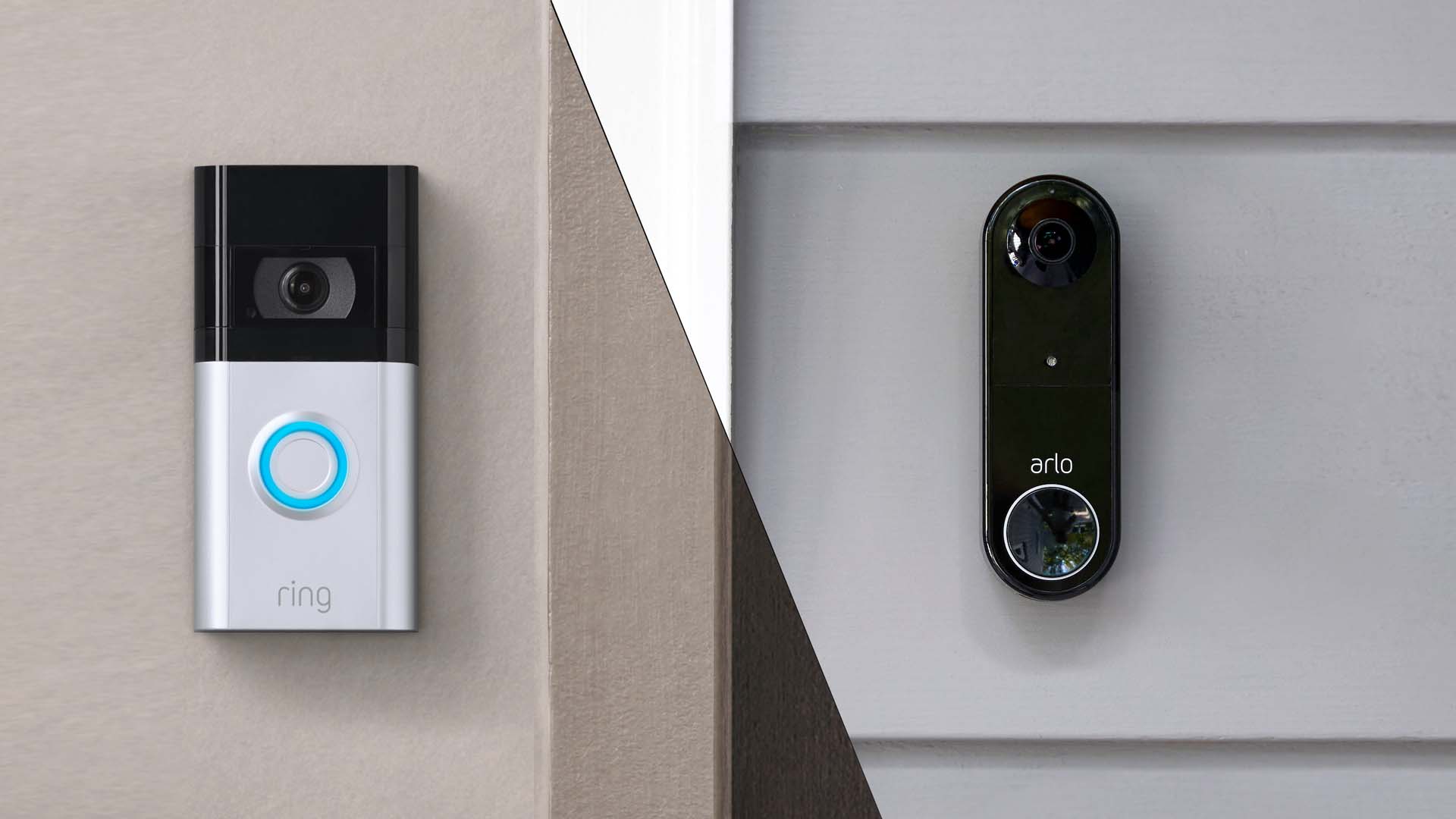
These video doorbells show you who's at your door, even when you aren't home.
We explain everything you need to know to connect an iPhone to an Apple Watch.
Think you know how to use WhatsApp? We've got some handy tips to help you get the most out of the messaging app.