How to connect a Garmin watch to your phone
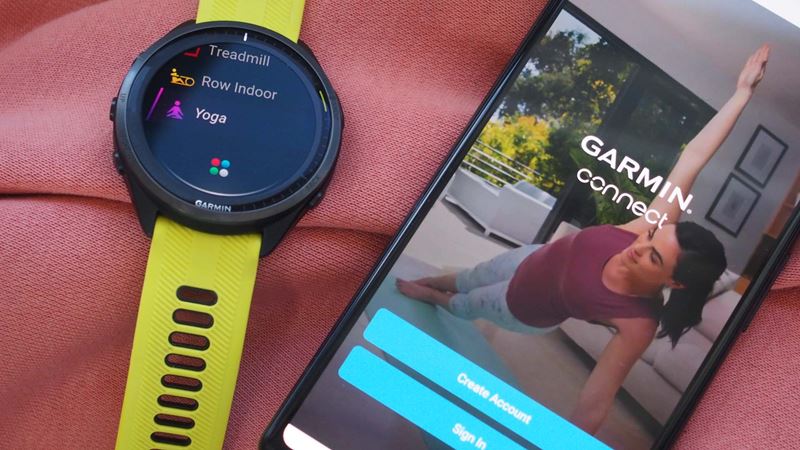
If you’re buying a Garmin watch launched in the last few years, it should be compatible with most recent iPhones and Android phones.
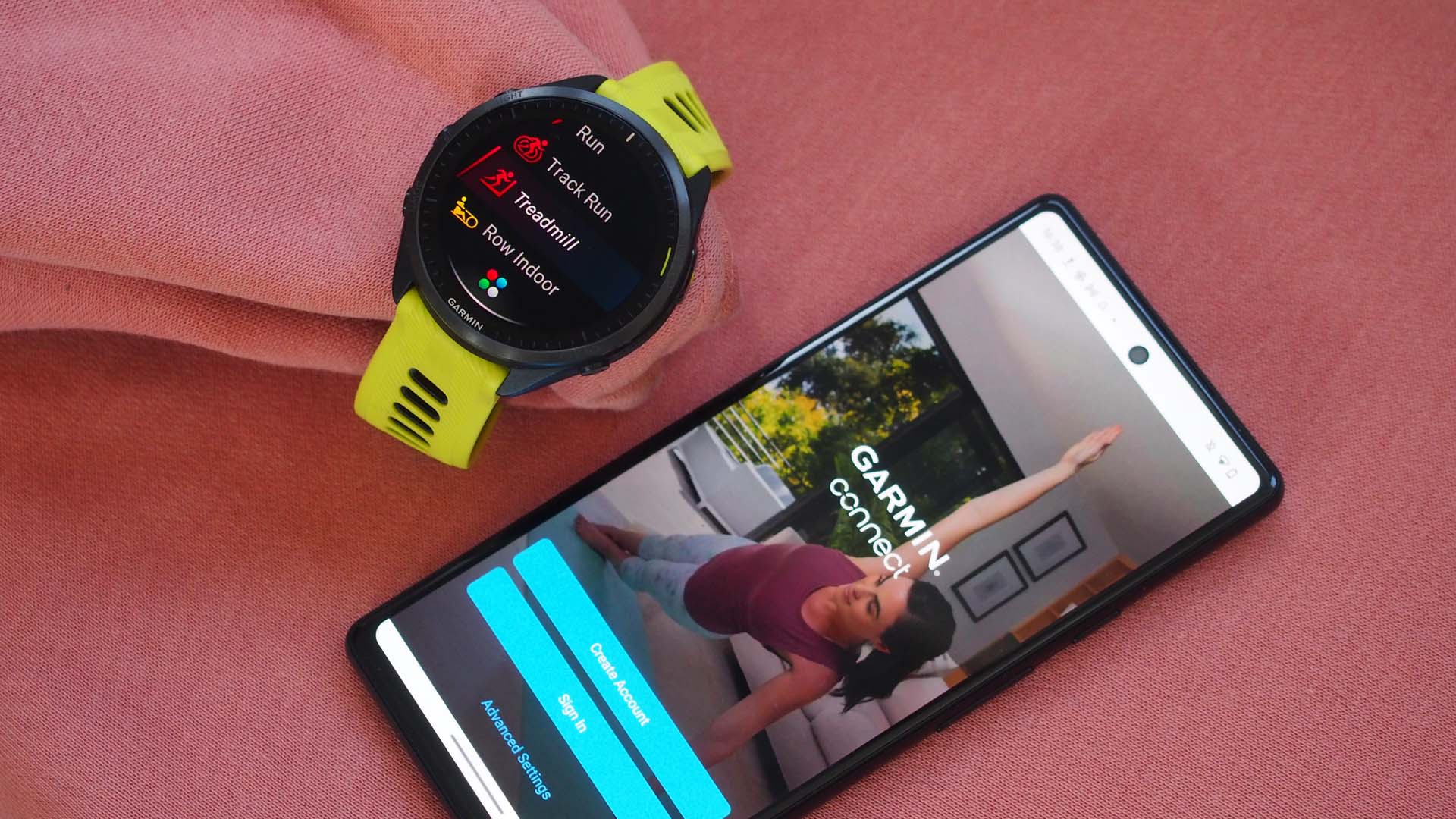
Image credit: Saga Magazine
If you’re buying a Garmin watch launched in the last few years, it should be compatible with most recent iPhones and Android phones.
Follow our simple steps to get your Garmin watch setup with your smartphone.
Garmin has a pretty extensive collection of watches and all are designed to be compatible with Android phones and iPhone. If you want to know how to bring the two together, we take you through step-by-step how to do it.
The good news is that if you’re buying a Garmin watch that has been launched in the last few years, then it should be compatible with most recent iPhones and Android phones.
Garmin usefully outlines on its website what version of software your phone needs to be running on to be able to download the Garmin Connect phone app needed to connect your new watch to your phone.
For iPhones, you need to have a phone running on iOS 15.0 or higher. To check this, go to the Settings on your phone, press General and then About.
From here you can see the version of software your iPhone is running on. If you need to and can update your iPhone, that process is nicely explained on Apple's website. For owners of an Android phone, the phone or tablet must be running on Android 7.0 or above.
To check this, go into the Settings on your Android phone or tablet, go to About phone or tablet and scroll down and look for Android version. Google also provides a guide on how to update your Android phone (if needed) on its website.
Lastly, before you start this process, make sure your watch and phone are fully charged just in case the process takes slightly longer than usual. Though it should be relatively straightforward and quick.
How to connect a Garmin watch to an iPhone
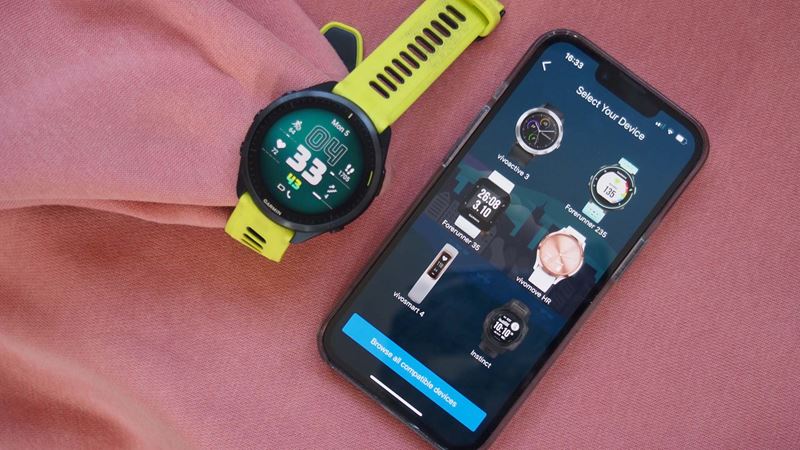
How to connect a Garmin watch to an Android phone


Expert nutritionists break down the most important foods to eat in each decade as we get older.

We reveal the 7 best tinned foods to supercharge your health while saving you time and money.
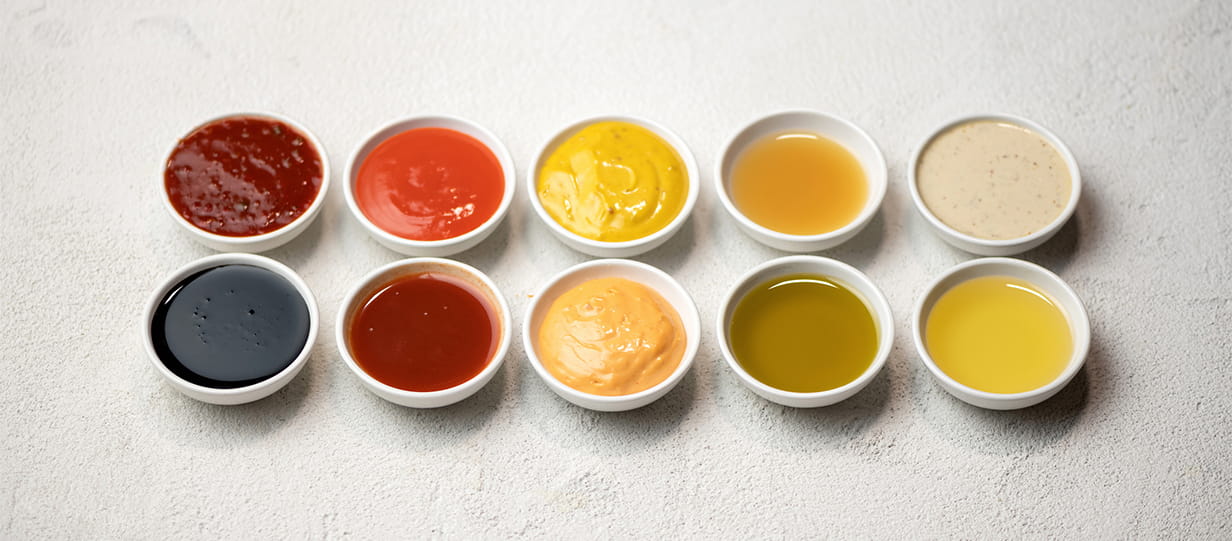
From ketchup to mayo – how healthy are your sauces? We find out the pitfalls and surprising benefits of our favourite condiments.

Could honey be the sweetest way to supercharge your health this year? Our experts explain the benefits and which to buy.
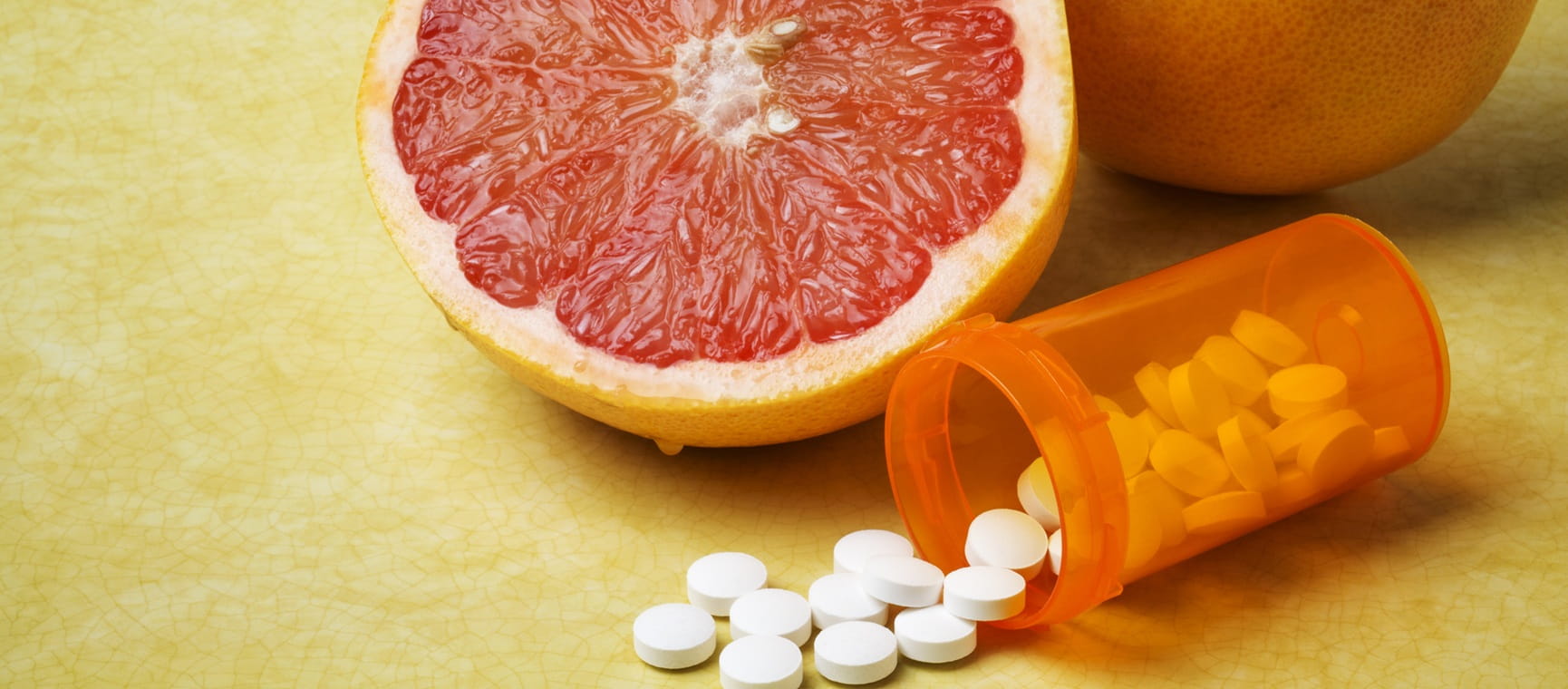
Our expert guide to the common foods you shouldn't mix with prescription drugs.

Experts reveal whether chilled supermarket soups are worth the extra cost and if some flavours are better for you than others.

Looking after your gut health could be one of the biggest things that you can do for your overall health. Here are the best foods to keep your gut happy.
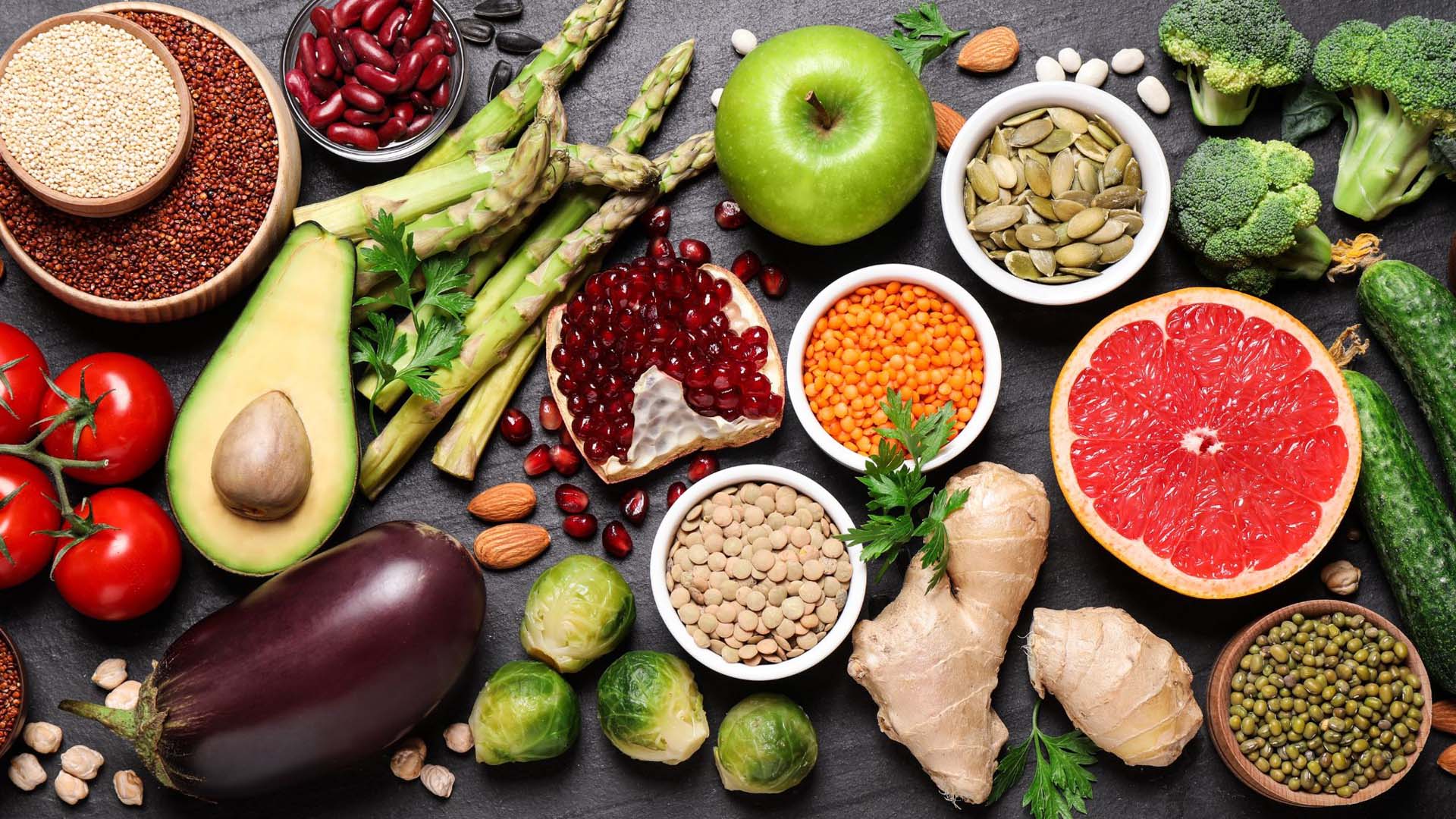
The foods that could help you live longer and protect against chronic illness.

A dietician reveals which foods can help protect vision and prevent age-related eye conditions.
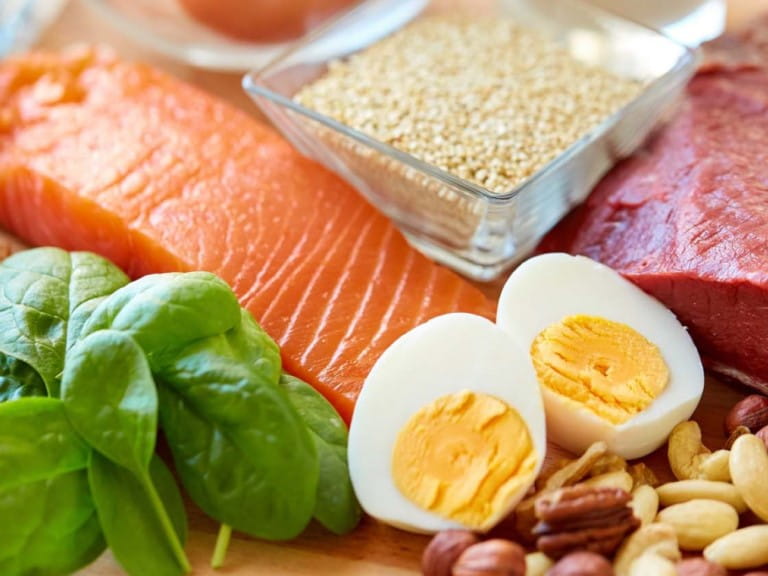
Everything you need to know about protein, from how it benefits your body to the best high-protein foods – and how much you really need.